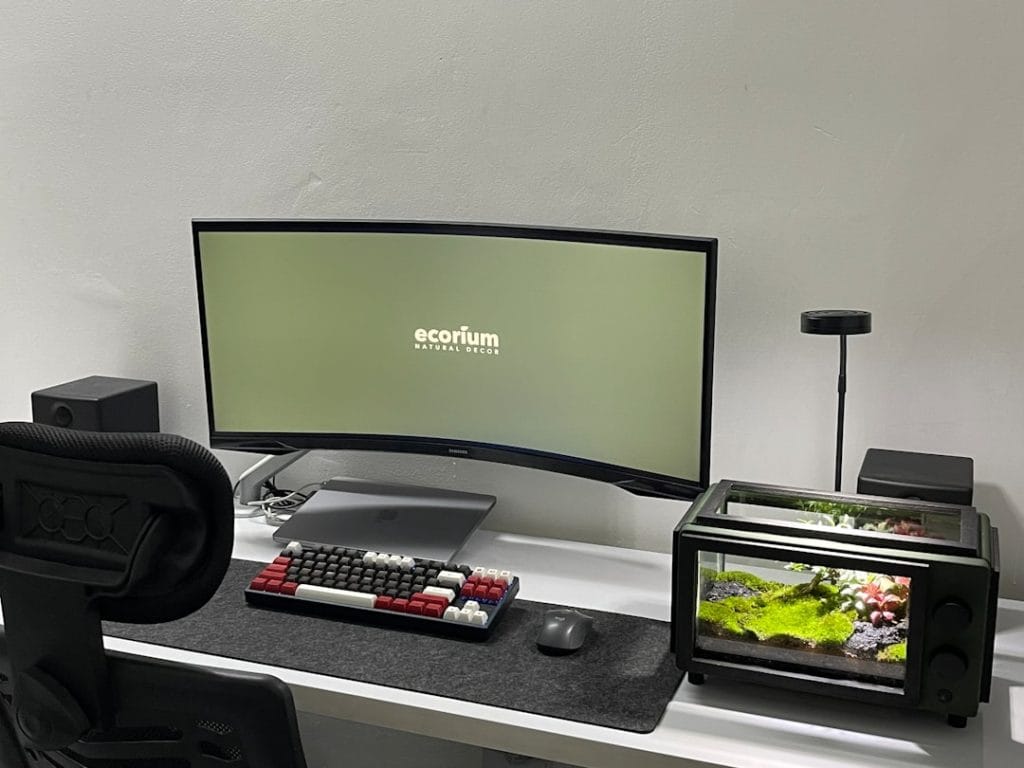
The Definitive Setup Guide: Essential Apps for Windows and macOS
Setting up a new workstation, whether it is a high-performance Windows PC or a sleek macOS device, is a critical moment for any professional. While modern operating systems come pre-equipped with foundational tools, they often fall short of the specialized needs required for high-level productivity, security, and system optimization. To bridge this gap, we have curated a list of essential software that every user should consider installing to maximize their hardware’s potential.
1. Enhanced Productivity and Organization
The core of any professional workflow is effective information management. Notion has emerged as an industry leader, providing an all-in-one workspace for notes, tasks, and databases. For those who prioritize local-first, markdown-based documentation, Obsidian offers a powerful alternative that works seamlessly across both Windows and macOS. Additionally, for window management—a common pain point on macOS—utilities like Rectangle provide the snapping features that Windows users have long enjoyed.
2. Essential System Utilities
No system is complete without robust file management and maintenance tools. For Windows users, 7-Zip or its modern fork, NanaZip, remains the gold standard for file compression. On the macOS side, Keka offers similar versatility. To maintain system health, TreeSize Free (Windows) and GrandPerspective (macOS) are invaluable for visualizing disk usage and identifying storage bottlenecks.
3. Security and Privacy Essentials
In an era of increasing cyber threats, a dedicated password manager is non-negotiable. Bitwarden is our top recommendation due to its open-source nature and robust cross-platform synchronization. For those seeking enhanced privacy during browsing, the Brave Browser or Firefox (with strict tracking protection) provides a more secure experience than default system browsers.
4. Media and Creative Tools
Even for non-creatives, having reliable media tools is essential. VLC Media Player remains the ‘Swiss Army Knife’ of video playback, capable of handling virtually any codec without issue. For light image editing without the overhead of a Creative Cloud subscription, Photopea (web-based) or Affinity Photo provide professional-grade features for a fraction of the cost.
Conclusion
Transitioning to a new machine is the perfect time to audit your software ecosystem. By installing these essential cross-platform applications, you ensure a consistent, secure, and highly productive environment regardless of your chosen operating system. A well-curated toolkit is the first step toward digital efficiency.
Check This Out!
Looking for the latest tech and gadget deals mentioned in this article? Explore the best offers currently available on Amazon.
Disclosure: As an Amazon Associate, hariannegeri.xyz earns from qualifying purchases.