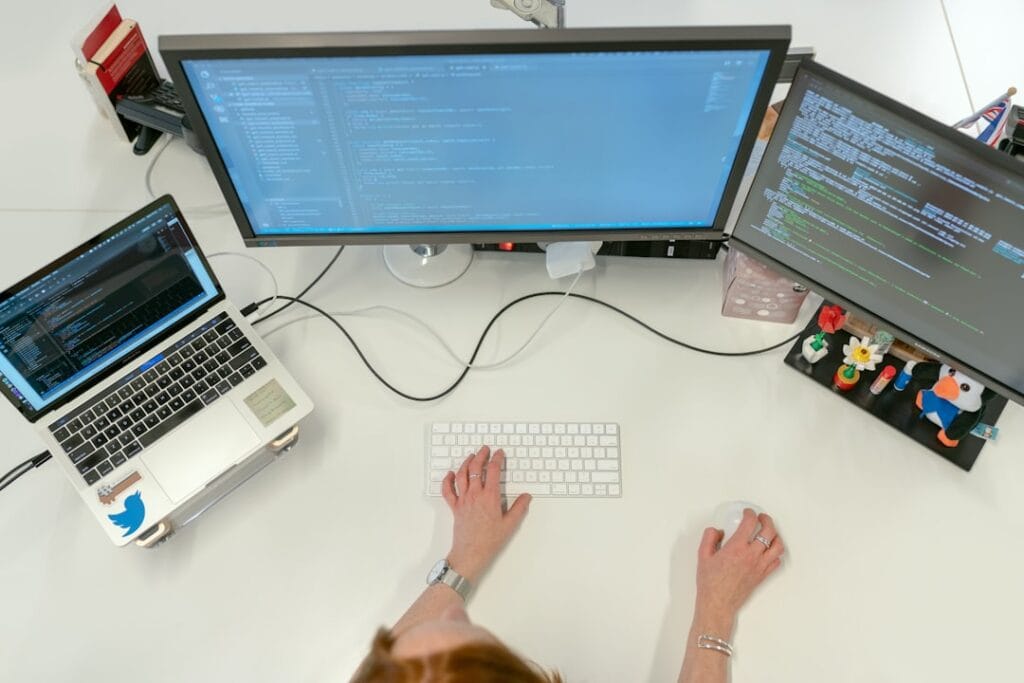
For many power users and professionals, the boundary between operating systems is increasingly fluid. Whether you require specific enterprise software, a dedicated development environment, or legacy application support, running Windows on a Mac has become a streamlined reality. With the transition to Apple Silicon (M1, M2, and M3 chips), the virtualization landscape has shifted, prioritizing efficiency and ARM-based architecture support.
The Shift to Apple Silicon Virtualization
The move away from Intel processors meant the end of Apple’s native ‘Boot Camp’ utility. Consequently, virtual machines (VMs) are now the primary method for running Windows on modern Macs. Modern hypervisors have risen to the challenge, offering near-native performance by leveraging the high efficiency of Apple’s M-series chips.
Top Performance: Parallels Desktop
Parallels Desktop remains the industry gold standard for user experience and integration. Its ‘Coherence’ mode allows Windows applications to run in the macOS Dock, behaving as if they were native Mac apps. Parallels is particularly noted for its easy setup process, which automates the download and installation of Windows 11 for ARM, making it the preferred choice for those who value productivity over manual configuration.
The Enterprise Choice: VMware Fusion
VMware Fusion has long been a staple in professional IT environments. Recently, VMware updated its licensing model, making Fusion Pro free for personal use. While it may require a slightly more hands-on approach for initial Windows setup compared to Parallels, it offers robust networking features and snapshots that are essential for developers and sysadmins testing complex environments.
Open Source Power: UTM
For users who prefer open-source solutions, UTM is a standout contender. Built on the QEMU emulation engine, UTM provides a flexible and free way to run Windows and Linux on macOS. While it lacks some of the seamless desktop integration found in paid counterparts, it offers extensive customization for those who want granular control over their virtual hardware allocation.
Conclusion
Choosing the right virtual machine depends on your specific needs. Parallels offers the smoothest integration for daily tasks, VMware Fusion provides enterprise-grade stability for free personal use, and UTM serves as the ultimate open-source tool for technical enthusiasts. Regardless of the choice, virtualization on macOS has never been more powerful or accessible.
Check This Out!
Looking for the latest tech and gadget deals mentioned in this article? Explore the best offers currently available on Amazon.
Disclosure: As an Amazon Associate, hariannegeri.xyz earns from qualifying purchases.